Long hours at a computer, back to back calls, and rushed days can creep up on your body. If you are noticing neck tension, wrist niggles, or afternoon headaches, you may be dealing with an ergonomic hazard. The good news is that small, consistent changes can protect your body and sharpen your focus without slowing you down.
In this article, we unpack what an ergonomic hazard is, why it matters for your health and performance, and the best practices to prevent it. You will walk away with practical steps you can apply today at home, on site, or in the office.
What is An Ergonomic Hazard?
An ergonomic hazard is any workplace factor that increases the risk of discomfort, strain, or injury because the task, tools, or environment do not fit the person. Think sustained awkward postures, repetitive movements, heavy or awkward loads, poor workstation set up, or rushing through tasks without breaks.
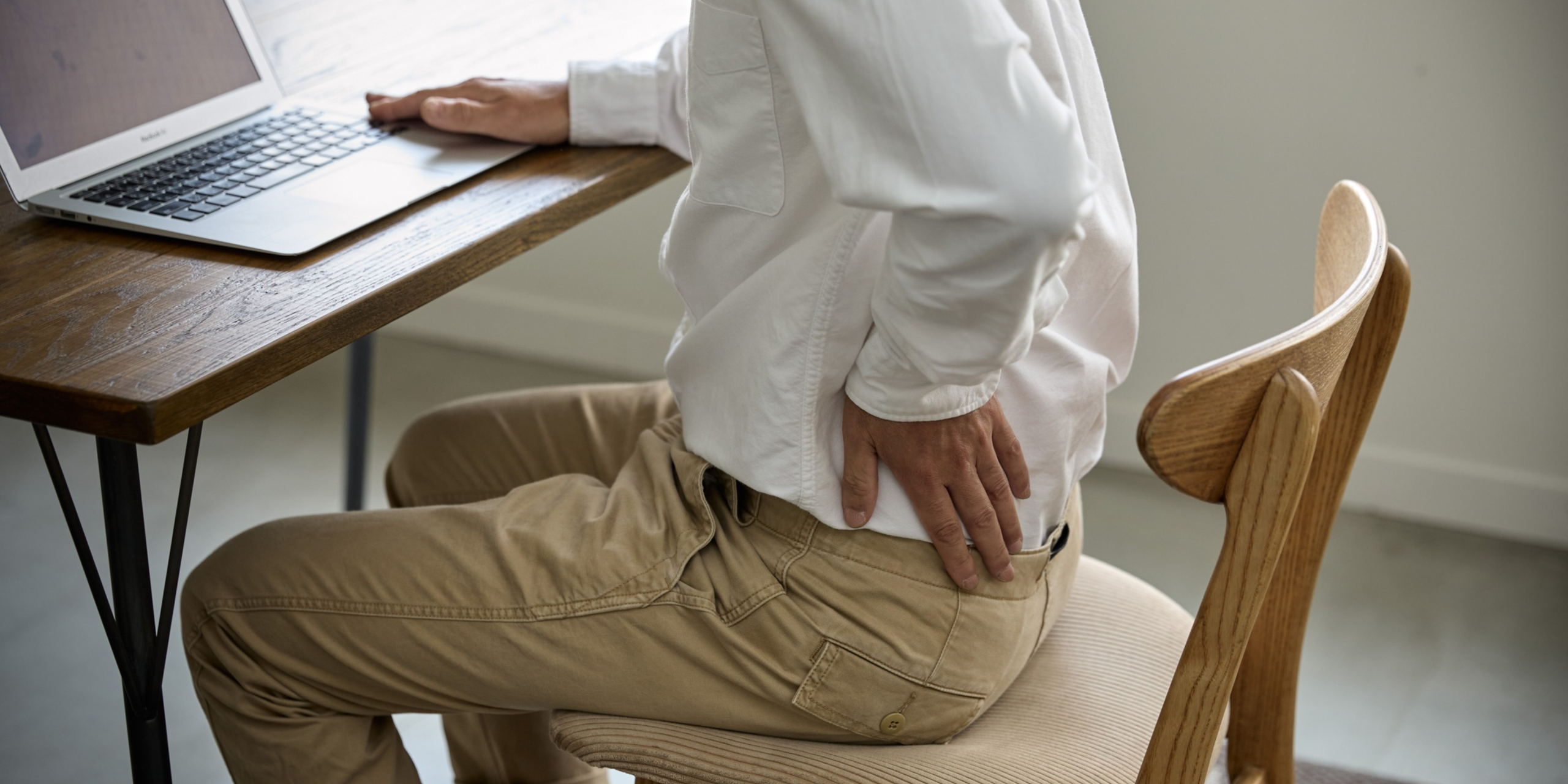
These hazards are common in knowledge work and field roles. Examples include hunching over a laptop, reaching to a side mouse all day, cradling a phone, or twisting to access items. Over time this can drive musculoskeletal pain and reduce productivity.
Why it Matters
Musculoskeletal disorders are a leading cause of lost work time and reduced quality of life. Safe Work Australia highlights that poor job design and manual tasks that involve repetitive movement, sustained force, or awkward posture contribute to significant injury and cost across industries. See Safe Work Australia guidance on hazardous manual tasks for more detail via this resource.
The World Health Organisation (WHO) reports that low back pain is one of the top causes of years lived with disability worldwide. Preventing ergonomic hazard reduces the load on the spine, shoulders, and wrists, supporting long term health and work capacity. Read WHO data on musculoskeletal health via
this fact sheet.
Beyond injury risk, poor ergonomics can drain energy and attention. Slumped posture restricts breathing and reduces oxygen delivery. Glare and poor screen height can strain the eyes and trigger headaches. Small tweaks to fit the job to you can improve clarity, comfort, and output.
If shoulder or neck pain is already showing up, our practical guide on computer related shoulder pain offers simple relief strategies. Read more here:
Is Your Computer Giving You Shoulder Pain.
Common Barriers
- Lack of time: You jump from meeting to meeting and never get around to adjusting your set up.
- Unclear advice: Conflicting tips about chairs, standing desks, and posture make it hard to know what works.
- Equipment limits: You share hot desks or work on a laptop without the right accessories.
- All or nothing mindset: You wait for a perfect fit out instead of making small changes today.
The good news is you do not need a full office refit. Small changes add up when done consistently.
Best Practices To Prevent Ergonomic Hazard
Set Your Screen At Eye Level
Raise the top of your screen to eye height at arm length distance. This keeps your neck neutral and reduces strain.
Tip: Use a laptop stand or a stack of books and add an external keyboard and mouse. If you use dual screens, place the primary screen directly in front of you.
Bring Tools To You
Keep keyboard, mouse, and frequently used items close to avoid reaching. Forearms should rest lightly with elbows by your sides.
Tip: Use a compact keyboard to reduce reach to the mouse, especially if shoulder tightness is an issue.
Adjust Your Chair For Support
Set seat height so feet are flat on the floor and knees are level with hips. Use backrest support so your lower back maintains its natural curve.
Tip: If feet do not reach the floor, use a footrest. A rolled towel can provide quick lumbar support.
Alternate Between Sitting And Standing
Change posture through the day to reduce pressure on any one tissue. Aim to stand for short blocks and sit when you need focused tasks.
Tip: Start with twenty to thirty minute standing blocks after calls. Focus on the rhythm of changing position rather than total standing time.
Move Every Thirty To Forty Five Minutes
Movement restores blood flow and resets posture. Set a timer to stand, roll your shoulders, and walk for one to two minutes.
Try these simple ideas at your desk:
Desk Exercises At Work.
Reduce Glare And Optimise Lighting
Place screens perpendicular to windows, reduce harsh overhead light, and use a task lamp if needed. This helps eye comfort and prevents headaches.
Use Shortcuts And Voice Options
Alternate mouse and keyboard input to reduce repetitive strain. Consider voice to text for long notes and use shortcut keys for common tasks.
Plan Micro Recovery
Insert short breaks between meetings to stretch, hydrate, and reset your posture. Even sixty seconds can help.
Strengthen What Supports You
Strong hips, back, and shoulders protect your joints and improve tolerance to daily loads. Two to three sessions of resistance training each week improves comfort and performance. Learn why strength matters for weight management and resilience here:
Resistance Training The Key To Weightloss.
Match Tasks To Your Energy
Do posture heavy tasks when you feel fresh. Batch calls for standing time and block out deep work with a supportive set up.
What Can Employers Do?
- Design for fit: Provide adjustable chairs, monitor arms, and external peripherals so each person can tailor their set up.
- Make access easy: Offer a simple process to request equipment and quick guides for set up, including short videos for remote teams.
- Build movement into the day: Encourage walking meetings and add five minute movement breaks to long workshops.
- Train leaders: Show managers how to role model healthy posture changes and micro breaks without reducing output.
- Track the right metrics: Monitor early discomfort reports, participation in ergonomic checks, and near miss data to predict issues.
- Partner with experts: Use Better Being to conduct ergonomic assessments and deliver practical coaching that sticks.
For a broader view on safety, culture, and wellbeing, explore our piece on keeping people safe at work:
Safe At Work Employee Wellbeing.
Long Term Habits And Accountability
Lasting change happens when ergonomics becomes part of your routine. Stack a quick posture reset onto events that already occur, like the start of a meeting or after sending a report. Use calendar nudges to stand, stretch, or walk. Check in weekly on one small improvement, such as screen height or movement minutes.
If you lead a team, set shared norms. Start meetings two minutes past the hour to allow a reset. Rotate standing and seated segments. Celebrate small wins, like someone setting up an external keyboard for the first time. Consistency beats intensity.
If you are unsure where to start, our team can help with education and behaviour change support that fits your workplace.
Get in touch with us here.
Key Takeaways
- Ergonomic hazard shows up in small daily frictions like awkward postures and repetitive tasks, but small changes protect your body.
- Fitting the task to the person reduces pain risk and boosts mental clarity and output.
- Simple best practices include eye level screens, close reach zones, posture changes, and movement breaks.
- Strength training and planned micro recovery improve your capacity to handle daily loads.
- Workplaces can reduce risk through design, training, and practical coaching with measurable outcomes.
READY TO IMPLEMENT A WELLBEING PROGRAM WITH TANGIBLE BENEFITS FOR EVERYONE INVOLVED?