If you spend long hours at a desk, on the tools, or moving between meetings, small mismatches between your body and your work setup can quietly chip away at your energy and focus. These are called ergonomic hazards. They drive aches, stiffness, and fatigue that make it harder to concentrate, recover, and perform at your best.
The good news is that most ergonomic hazards are fixable with simple changes. You do not need a full office refit. With a few targeted adjustments, you can reduce pain, protect your long term health, and feel sharper through the day.
In this article, we unpack what ergonomic hazards are, why they matter for employee health, common barriers that get in the way, and practical steps you can take today. We also outline what employers can do to support safer, more productive work.
What Are Ergonomic Hazards?
Ergonomic hazards are workplace factors that increase strain on your body because the task, tools, or environment do not fit you well. Think of a chair that sits too low, a monitor off to one side, repetitive mouse use without breaks, or lifting and twisting with loads that are awkward to grip. Over time, these create excess stress on joints, muscles, tendons, and nerves.
Common examples include prolonged sitting without movement, poor screen height, unsupported forearms while typing, heavy or frequent lifting, and tasks that require forceful or repetitive hand movements. Each adds up to a higher risk of pain and injury if left unaddressed.
Why Ergonomic Hazard Risk Matters
Musculoskeletal disorders are a leading cause of lost productivity and time off work in Australia. They often stem from modifiable ergonomic hazards. Safe Work Australia outlines that poor task design and prolonged static postures raise the risk of neck, shoulder, back, and wrist problems, which impact both wellbeing and performance. See the current guidance from Safe Work Australia.
The World Health Organisation highlights musculoskeletal conditions as a top cause of disability worldwide, affecting quality of life and ability to work. Learn more from the
World Health Organisation.
From a performance lens, low grade pain and stiffness act like a background app draining your battery. They steal focus, disrupt sleep, and reduce motivation to move. Over months, reduced movement can worsen metabolic health and mood. Addressing ergonomic hazards protects your body and supports mental clarity at work.
For a deeper dive into why movement supports performance, explore our guide on
exercise and employee performance. If shoulder or neck pain is already a problem, this article may help you troubleshoot your setup and habits at the desk:
Is your computer giving you shoulder pain.
Common Barriers
- Lack of time: You are busy and ergonomic checks keep slipping down the list.
- Not knowing what to change: Confusion about ideal chair height, monitor distance, or how often to move.
- Inconsistent habits: You fix your setup, then laptop on the couch creeps back in.
- Work culture signals: Back to back meetings or limited break norms make movement hard.
The good news is you can reduce ergonomic hazard risk with small, consistent tweaks that fit your day.
How To Reduce Ergonomic Hazard Risk At Work
Set Your Seat And Feet
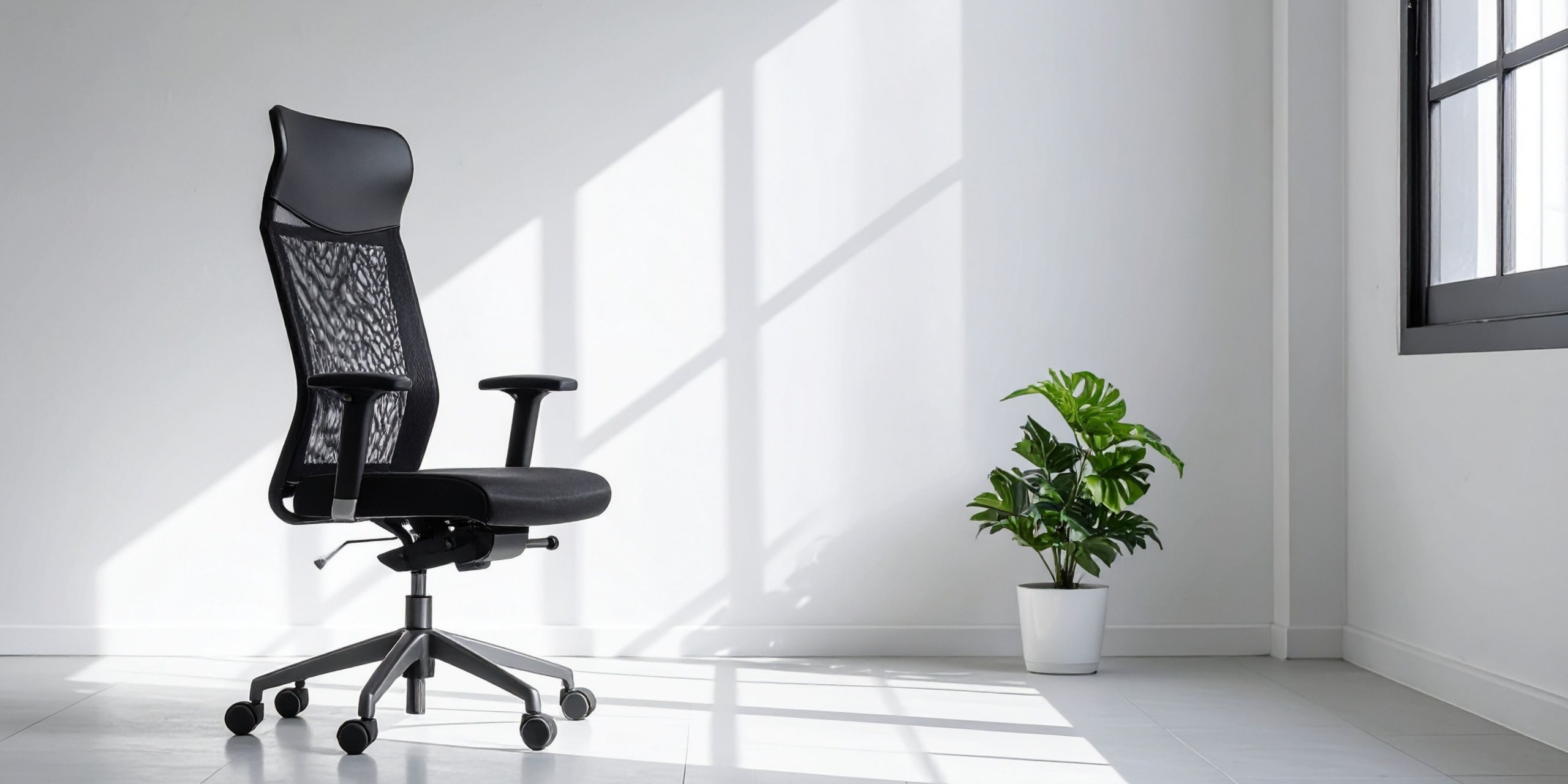
Adjust chair height so your hips are level with or slightly above your knees, feet flat on the floor or on a footrest, and your lower back supported by the chair back. This reduces load on the spine and hips.
Tip: If your feet do not touch the floor comfortably, use a footrest or a stable box. Keep frequently used items within easy reach to avoid leaning.
Place The Screen At Eye Level
Centre the monitor directly in front of you, about an arm’s length away. The top of the screen should sit at or just below eye level. This reduces neck strain and eye fatigue.
Tip: Use a laptop stand and external keyboard and mouse. If you swap between home and office, keep a simple setup in both places to stay consistent. See our simple
desk exercise ideas to reset posture during the day.
Support Your Arms And Wrists
Keep forearms parallel to the desk with elbows close to your sides. Wrists should be neutral, not bent up or down. This lowers strain on wrist and forearm tendons.
Tip: Slide the keyboard close to the edge of the desk and keep the mouse beside it. Consider switching mouse hand at times to share the load.
Move Every Thirty To Forty Five Minutes
Static postures load tissues over time. Short movement breaks rehydrate discs, improve circulation, and reset posture. Aim to stand, walk, or do three gentle mobility drills at least once an hour.
Tip: Pair movement with a routine cue like finishing a meeting. Try a quick lap, calf raises, or thoracic rotations.
Alternate Positions Through The Day
Variety beats any single perfect posture. If you have a sit stand desk, change position regularly. If not, change chair angles, stand for calls, or hold a walking meeting.
Tip: Set calendar reminders to change position. Walking one on one meetings are a simple way to add movement while maintaining productivity.
Lift With The Task In Mind
When handling loads, keep them close to the body, use both hands, and face the object rather than twisting. Plan the path before you move and ask for help with awkward shapes.
Tip: Use trolleys or mechanical aids where possible. A few extra steps can prevent weeks of soreness.
Train Strength And Mobility
Stronger tissues tolerate load better, while mobility helps you find comfortable positions. Two to three strength sessions each week and daily mobility snacks build resilience against ergonomic hazards.
Tip: Start with bodyweight movements and resistance bands. For guidance on safe, effective training, read
our take on resistance training and how to
prioritise exercise in the workplace.
Protect Sleep And Recovery
Pain and stiffness often feel worse when sleep is short. Good sleep supports tissue repair and pain modulation. Prioritise a wind down routine and a consistent schedule.
Tip: Limit late caffeine and screens, and keep the room cool and dark. Explore how sleep affects your work in
our sleep and performance guide.
What Can Employers Do?
- Make assessments accessible: Offer quick workstation checks during onboarding and after relocations, including for hybrid staff.
- Provide the basics: Ensure adjustable chairs, monitor risers, external keyboards and mice are readily available.
- Encourage movement norms: Short breaks between meetings and walking one on ones reduce static load without hurting output.
- Educate with micro learning: Share short videos and checklists so staff can self correct common ergonomic hazards.
- Track the right metrics: Monitor discomfort reports, early intervention referrals, and participation in movement initiatives.
- Partner for support: Use specialists to deliver assessments, coaching, and behaviour change programs that stick.
Long Term Habits And Accountability
Set environment cues, like a laptop stand that lives on your desk. Use calendar nudges for posture changes. Pair mini movement sets with routine tasks. Share goals with a colleague for accountability.
If pain persists, seek early advice. Early intervention shortens recovery and prevents small ergonomic hazards from becoming chronic problems. Better Being can assess your setup, coach your team, and design behaviour led programs that integrate seamlessly with daily work.
Key Takeaways
- Ergonomic hazards are mismatches between you and your work that increase strain and injury risk.
- Small setup changes and regular movement reduce pain and improve focus and energy.
- Strength, mobility, and quality sleep build resilience against day to day strain.
- Workplace norms matter. Short breaks, basic equipment, and simple education go a long way.
- Early action prevents minor discomfort from becoming a long term problem and supports productivity.
If you want expert help to reduce ergonomic hazards and lift performance across your team,
get in touch with Better Being.
READY TO IMPLEMENT A WELLBEING PROGRAM WITH TANGIBLE BENEFITS FOR EVERYONE INVOLVED?