
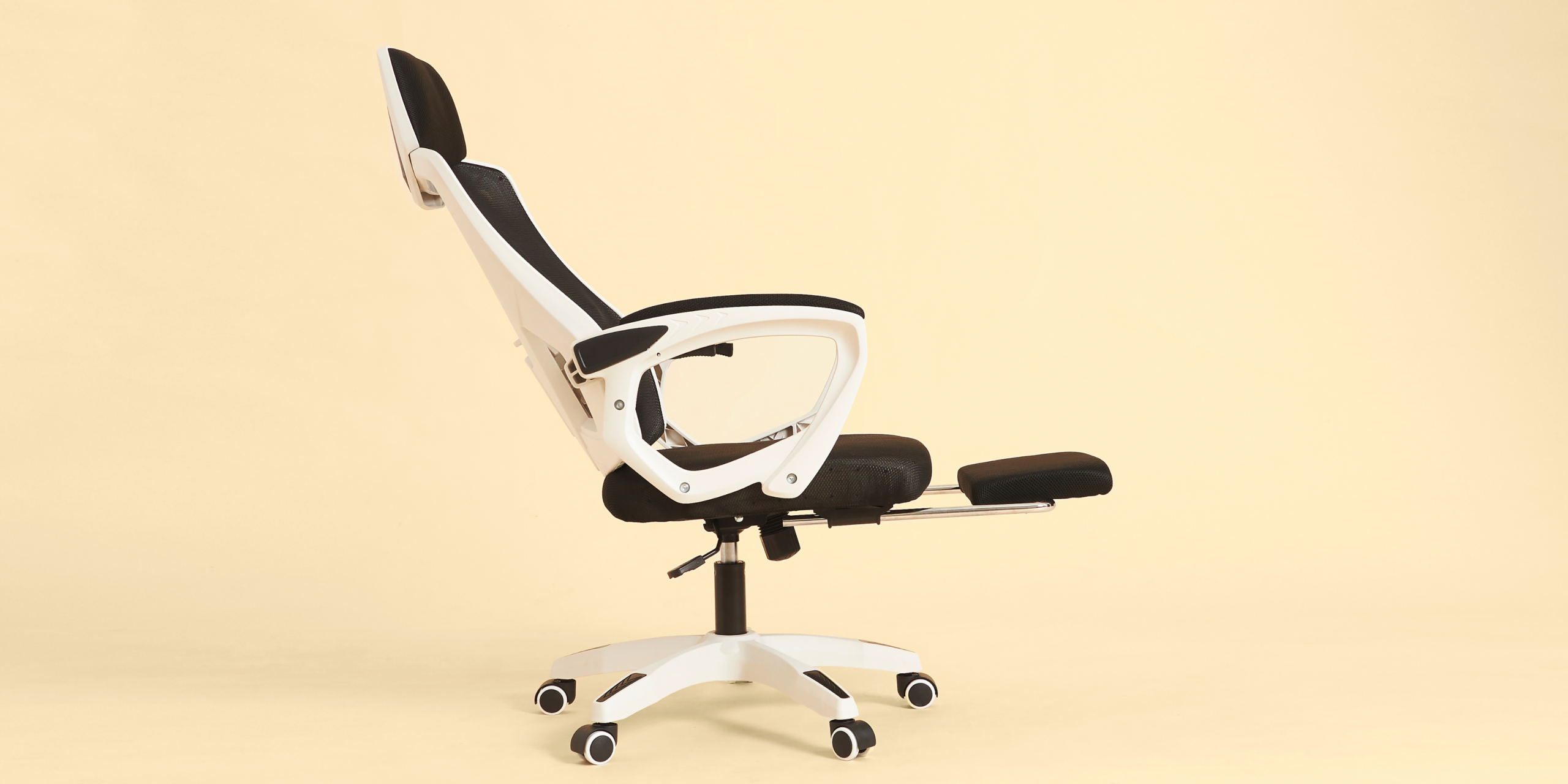
If your neck is tight by midday or your lower back aches after meetings, you are not alone. Ergonomics is a powerful lever for health in the workplace, and it influences everything from your focus to your recovery after hours. With so many of us spending long stretches at a desk or on devices, small design choices can create big improvements in comfort and performance.
When your setup works with your body rather than against it, you think more clearly, move more often, and end the day with more in the tank. That means fewer niggles, fewer sick days, and more energy for work and life.
In this article, we will unpack what ergonomics really means, why it matters for your body and brain, the most common barriers, and simple steps you can put in place today to improve health in the workplace for yourself and your team.
What is Ergonomics?
Ergonomics is the practice of designing work to fit people. It aligns your workstation, tasks, and tools with how your body naturally moves. The goal is to reduce strain, improve comfort, and make healthy choices the easy default. It is not only about chairs and screens. It also covers task variety, movement breaks, lighting, and even how meetings run.
Common myths include the idea that there is one perfect posture or one perfect chair. In reality, your best posture is your next posture. Variety and regular movement make more difference than any single static position.
Why Ergonomics Matters For Health In The Workplace
Poor ergonomic design can increase load on joints and soft tissue, leading to discomfort and reduced concentration. Over time this can contribute to work related musculoskeletal disorders which are a leading cause of lost productivity in office environments. Guidance from Safe Work Australia highlights that managing these risks is both a legal and health priority for employers.
From a physiology perspective, prolonged static sitting reduces blood flow, stiffens connective tissue, and can alter breathing patterns. That combination can drive fatigue and lower cognitive performance. Regular movement restores circulation, supports spinal health, and refreshes attention. Research on movement breaks shows improvements in mood, accuracy, and decision quality, which supports healthier routines for professionals and evidence based performance strategies.
Lighting and screen glare can disrupt visual comfort and strain, while poorly set keyboard and mouse positions can irritate wrists and forearms. Small changes add up. For example, moving your screen to eye level can reduce neck flexion and decrease muscle load across the upper back. If you are curious about how desk habits link to aches and pains, you might also read Is Your Computer Giving You Shoulder Pain.
Common Barriers
- Lack of time: Back to back meetings or deadlines make it hard to adjust setups or take movement breaks.
- Unclear guidance: Conflicting advice on chairs, desks, and posture leads to decision fatigue.
- Hybrid work challenges: Different setups at home and in the office create inconsistency.
- All or nothing mindset: Waiting for the perfect chair or a full fit out delays simple changes that help now.
The good news is you do not need a complete overhaul. Small, consistent tweaks can transform comfort and performance.
How To Set Up Ergonomics That Support Performance
Find Your Neutral Sit And Shift Often
Recommendation: Sit with feet flat, hips slightly above knees, and a gentle curve in your lower back. Change position every twenty to thirty minutes.
Why it works: Neutral alignment reduces joint stress, while frequent posture changes maintain circulation and reduce muscle fatigue.
Make it easier: Use a timer or calendar nudge to stand, stretch, or take a short walk. Try these simple movements from Desk Exercises At Work.
Align Your Screen To Eye Level And Arm Length
Recommendation: Top of the screen at or slightly below eye level. Sit at arm’s length from the monitor.
Why it works: Keeps your neck in a comfortable range and reduces eye strain.
Make it easier: Use a laptop stand and external keyboard and mouse. Books work well as a quick stand in the home office.
Position Keyboard And Mouse For Relaxed Shoulders
Recommendation: Keep elbows close to your sides, shoulders relaxed, and wrists in a straight line.
Why it works: Reduces compression and irritation through the forearm and shoulder girdle.
Make it easier: Slide your keyboard closer and adjust chair height so your forearms are parallel to the floor.
Use The Sit To Stand Strategy
Recommendation: Alternate between sitting and standing across the day, aiming for short standing blocks of fifteen to twenty minutes.
Why it works: Breaks up static load and supports spinal health and energy.
Make it easier: Stand for emails, short calls, or virtual catch ups. Stack the habit by pairing it with your morning or mid afternoon tasks.
Create Movement Micro Breaks
Recommendation: Move every thirty to sixty minutes. Two to three minutes is enough.
Why it works: Movement restores blood flow and resets attention, improving mental clarity at work.
Make it easier: Walk to speak with a colleague, take the stairs, or schedule a walking meeting. For more ideas, see How Exercise Enhances Employee Performance.
Optimise Lighting And Glare
Recommendation: Use natural light where possible, position screens perpendicular to windows, and adjust brightness to match the room.
Why it works: Reduces visual strain and headaches which supports sustained focus.
Make it easier: Close blinds during peak glare and use task lighting rather than relying only on overhead lights.
Set Up For Healthy Device Use
Recommendation: Raise phones or tablets to eye level and use voice notes for longer messages.
Why it works: Limits sustained neck flexion and reduces upper back tension.
Make it easier: Keep a simple stand on your desk and a second one in your bag for home or travel days.
Build A Recovery Friendly Work Rhythm
Recommendation: Use ninety minute focus blocks followed by short breaks, and protect a real lunch break away from your screen.
Why it works: Aligns with natural ultradian rhythms and keeps cognitive load in check.
Make it easier: Put your breaks in the calendar and step outside for daylight to support alertness. If you are managing hybrid routines, explore Balancing Hybrid Work.
Choose Supportive Footwear Or Use A Footrest
Recommendation: Keep feet grounded. If your chair is high, use a footrest.
Why it works: Stable lower limbs support a relaxed spine and pelvis.
Make it easier: A small box works as a temporary footrest at home.
Address Discomfort Early
Recommendation: Treat niggles as signals and adjust before they become injuries.
Why it works: Early changes prevent sensitisation and downtime.
Make it easier: If shoulder or neck symptoms persist, review your setup with the guidance in this shoulder pain guide and speak with a qualified professional as needed.
What Can Employers Do?
- Provide simple guides and tools: Share a one page setup checklist and supply essentials like laptop stands, external keyboards, and mice for office and home.
- Make access easy: Offer quick ergonomic screenings during onboarding and at regular intervals, including remote options for hybrid staff.
- Design for movement: Equip collaboration spaces for standing huddles and encourage walking meetings to embed movement culture.
- Set meeting norms: Default to fifty minute meetings to allow micro breaks and setup adjustments between calls.
- Track outcomes: Monitor discomfort reports, productivity signals, and absenteeism to demonstrate ROI, aligned with insights in Measuring ROI In Employee Wellbeing.
- Partner with experts: Bring in ergonomic and wellbeing specialists to upskill leaders and teams.
Long Term Habits And Accountability
Start with one adjustment this week, like raising your screen or booking two walking meetings. Stack new habits onto existing routines, like standing for your first call after lunch. Use digital nudges, buddy up with a colleague, and review your setup monthly, especially if your role or location changes. If you want structured support that blends ergonomics with movement, recovery, and mindset, Better Being can guide you with practical, evidence informed strategies that fit your world.
Key Takeaways
- Ergonomics is about fitting work to you so you can protect health in the workplace and perform at your best.
- There is no single perfect posture. Regular movement and small adjustments matter most.
- Simple changes to screen height, keyboard position, and meeting rhythms reduce strain and improve focus.
- Employers can enable healthy defaults by providing tools, time, and supportive norms that encourage movement.
- Measuring comfort, productivity, and absenteeism helps show the impact and guides investment.
- Start small, review often, and build momentum with habits that are easy to repeat.
If you are ready to improve ergonomic design and build healthy routines that last, get in touch for tailored support.